Obsidian in a Boox e-ink tablet: Tips and opinions
Tips for configuring Obsidian on a Boox e-ink tablet for distraction-free writing and note-taking.
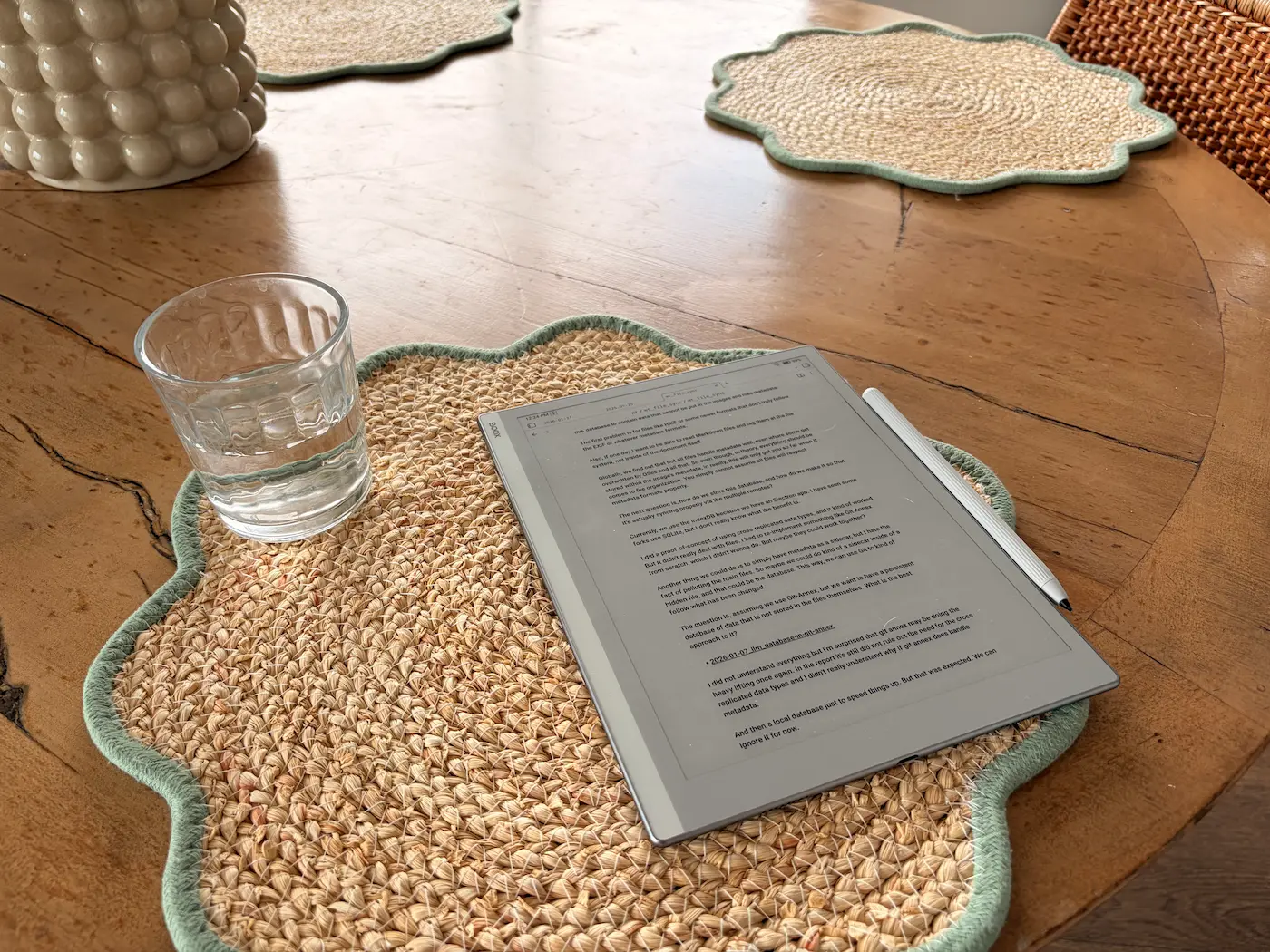
Boox Go 10.3 e-ink tablet
Opinion
Being able to use Obsidian on a device that cannot distract me has been phenomenal.
When I need to do a deep thinking session, I know I just have to grab the e-ink tablet, a glass of water, and leave all of the devices behind.
I used to do that with just a notebook, but the fact that I have all of my notes still there and that everything will be synced makes a huge difference.
Notebooks are like black holes for me. I write on them, but they never resurface.
One side effect has been that I read more of my notes because it’s a great reading machine. So I find myself just sitting on the couch browsing through my notes in a way that I didn’t use to do.
I still use Obsidian on my computer and phone, but not in the same way.
My Hardware
I have the Boox Go 10.3” tablet.
It is the thinnest tablet I have ever seen, hard to believe. The iPhone Air looks like a monster truck next to it.
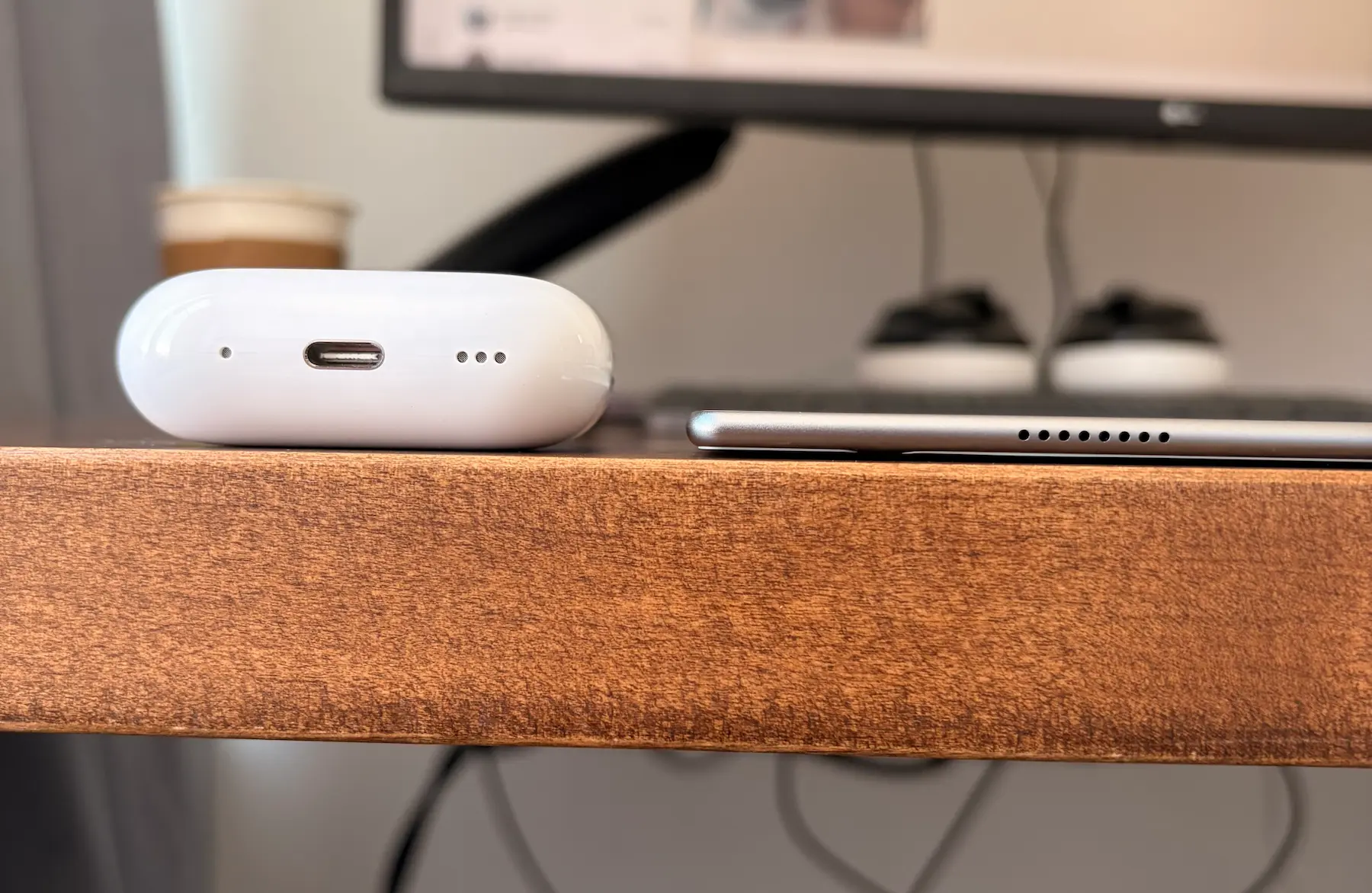
Boox tablet compared to AirPods case showing how thin it is
Battery lasts 3 days of my use. It’s not a big battery but it hasn’t been a problem for me.
The only regret I have is that it has no backlight. Having to change where I want to write just because the light is not perfect is something to get used to.
I can live without it, but when I bought it I thought it was less of an issue.
Tips
By default, there are some rough edges, but with some configuration, it can get a lot better.
- If using Obsidian Sync, I recommend turning off
Sync > Appearance Settingsto avoid applying all of these changes in all your devices - The Mono High Contrast theme makes everything easier to read.
- 19 is the right font size for me (
Appearance > Font > Font Size) - Configure the Mobile Ribbon to have easy access to your stuff. I use bullet points, checklists, and indentation a lot. Also to open the daily note and the command palette. I made a PR to the Templater plugin to add better ribbon support.
- I use the Live OCR Keyboard, where you write by hand, wait a second, and it applies in plain text where the cursor is. I changed the setting to wait for the max amount, which is two seconds, because I like to write slowly and use all of the space instead of writing very short sentences. To access it
Gear icon on the keyboard > All Settings > Handwritten Settings > Stylus Lift Time - I push the keyboard upwards by grabbing the upper edge, so I have the most amount of white space to work with. There is a mode where you can use the entire screen to write, but having to turn it off in order to click the interface is annoying, especially because I use the ribbon a lot.
Things I didn’t manage to make work the way I wanted:
- Fast access to my daily notes straight from the home page. This is something that is easy to do with newer tablets, apparently, but this one is running Android 12 and not the latest Boox software.
I’m always writing text and not handwritten notes
I didn’t manage to find a way to write freehand notes within Obsidian. There is the Ink Plugin by Dale which is great, but it hasn’t implemented a proper way of capturing the Boox’s writing. He talks about it in his video Zero Latency eInk input in Obsidian (DesDevDiary).
It’s not a deal breaker for me, but being able to write freehand notes can open the door for using the e-ink tablet even more. I could use it in meeting notes and other things like that.
I think Dale is getting pretty close. I want to see if I can help him move this forward.
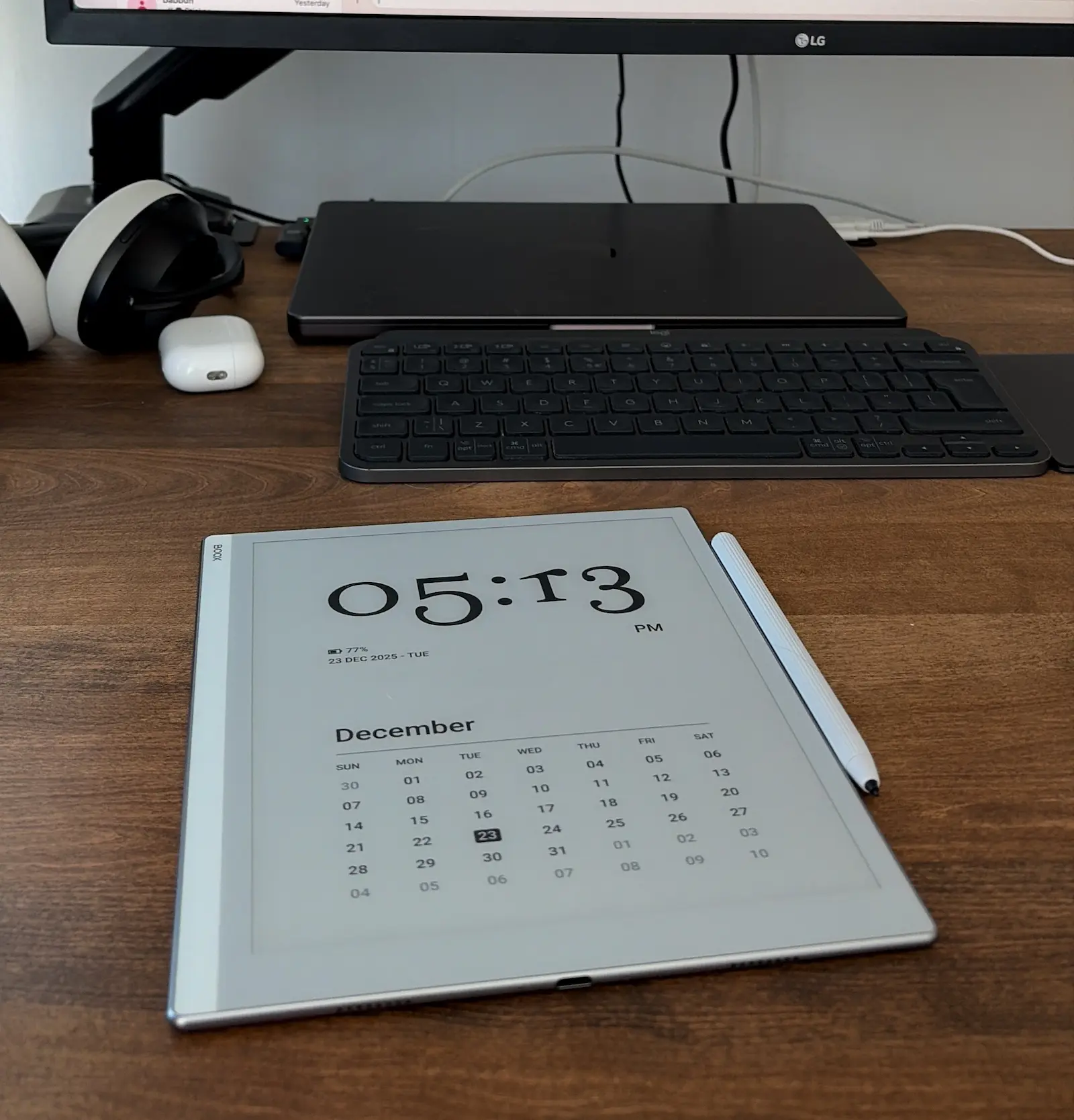
Boox tablet on the table with calendar screensaver
Conclusion
Even if it’s not perfect, it is still absolutely worth it for me.
From day one, it allowed me to spend more time thinking in silence without all of the devices trying to get my attention.
Configuring and tweaking it, it’s making the experience even better, but out of the box it was still worth it.
We still have a lot of work to do to make it the ultimate thinking machine, but I’m betting on this type of device.
I hope the Templater PR I made will get accepted. And that I can find a way to help Dale.
Comments
If you want to comment or ask questions, I’ll be responding in these Reddit threads: